Graph editor
The graph editor opens one track into a curve of its value over time. Drag a key to change its time and value, and drag the handles between two keys to shape the easing yourself.
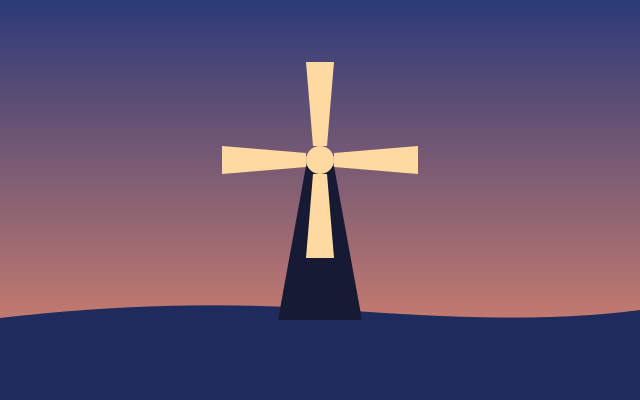
The sails turn a quarter turn over the whole 3 seconds, at a steadier pace, so the loop never stops. This one is the real exported SVG, playing.
Step by step
Select the sails
Click the sails on the canvas, or their row in the Layers panel. They have a Rotate track: a quarter turn in 2 seconds, slow at both ends.
Turn on Graph
Click Graph at the right of the timeline's header. The Rotate track opens into a curve, with its value at the playhead beside it.
Drag a key
Drag the key at 2s to the right, to 3s. A readout shows the time and value as you drag; up or down changes the value (Shift keeps the drag to one direction). Now the turn lasts the whole animation.
Shape the curve
Drag the round handle on the left up, toward the middle of the curve. The turn now starts faster: the curve is an easing of your own.
Play it
Press Space. The sails speed up and slow down as the curve says. Four sails look the same after a quarter turn, so the loop is seamless.
Keys
| Space | Play and pause |
| J K | Jump to the previous or next keyframe |